DoorSpot

What's New?

We’re in this for the long haul. We’re busy growing alongside our customers, and refining our tools. Check here for in-depth updates to our software, and our future plans.

DoorSpot's Newest Features

CRM Added

November 27, 2025
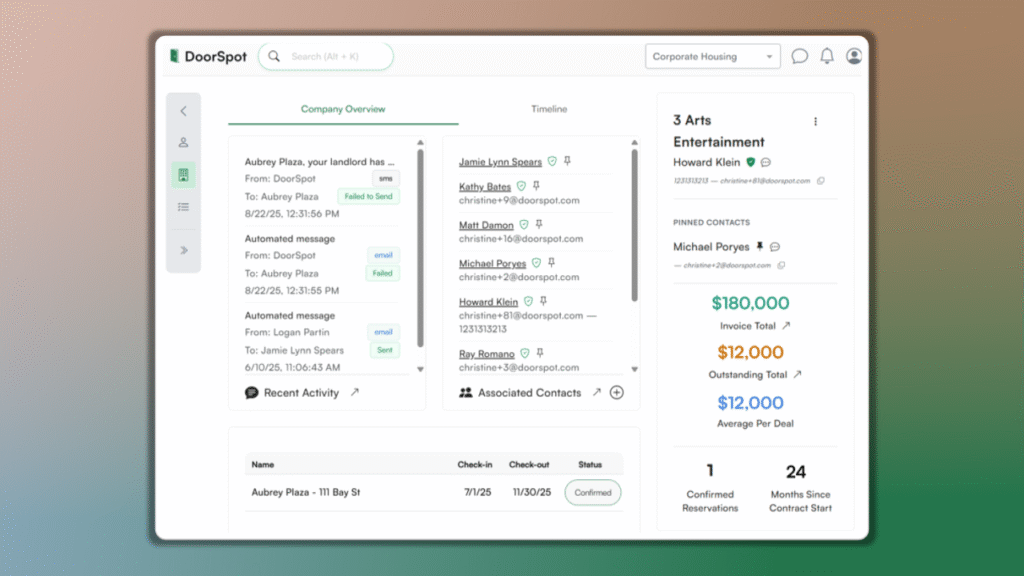
DoorSpot’s new CRM makes it easier than ever to manage relationships. With this release, you can: – View and manage a complete Contact List. – Organize contacts by Companies for clearer account management. – Build Smart Lists that update automatically based on filters. – Create Custom Lists for tailored outreach and organization.

Collapsing Menu

November 23, 2025

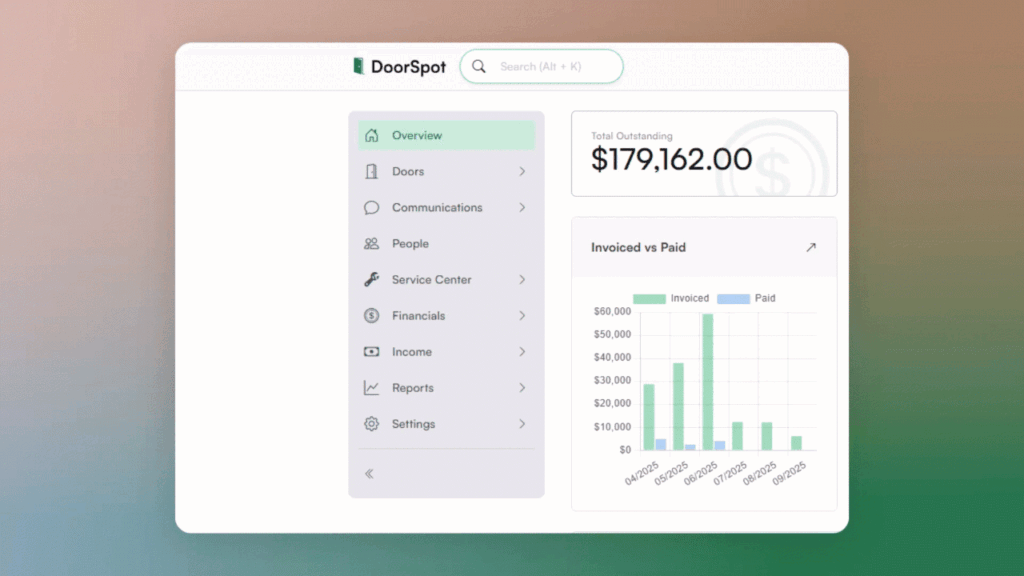
Keep your workspace clear with the new collapsing menu. You can now expand or collapse the side navigation, giving you more room to work. Click the arrows at the bottom of the gray navigation bar to enter full-screen mode. The site keeps your preference for next time.

Advanced Calendar View​

November 20, 2025
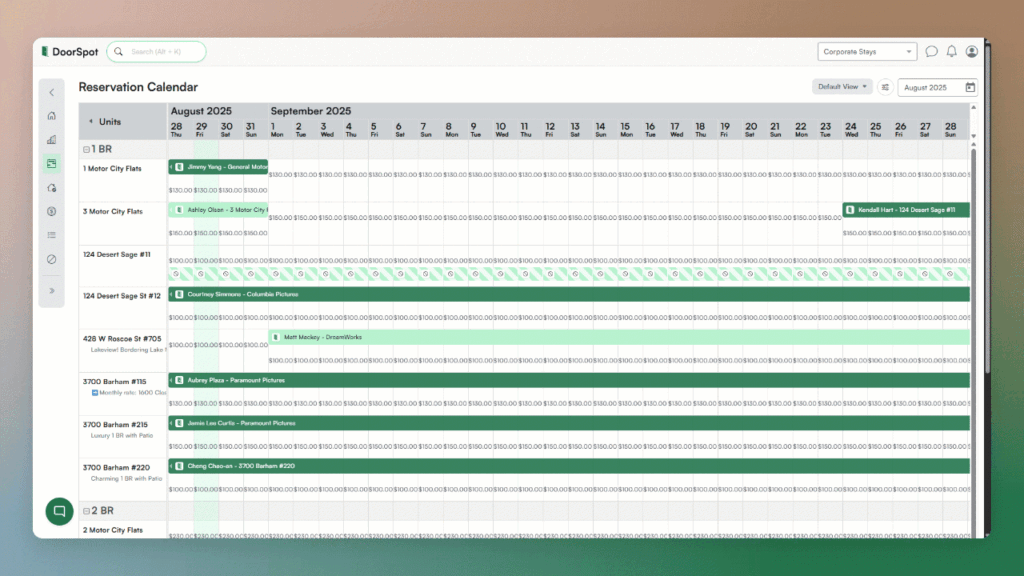
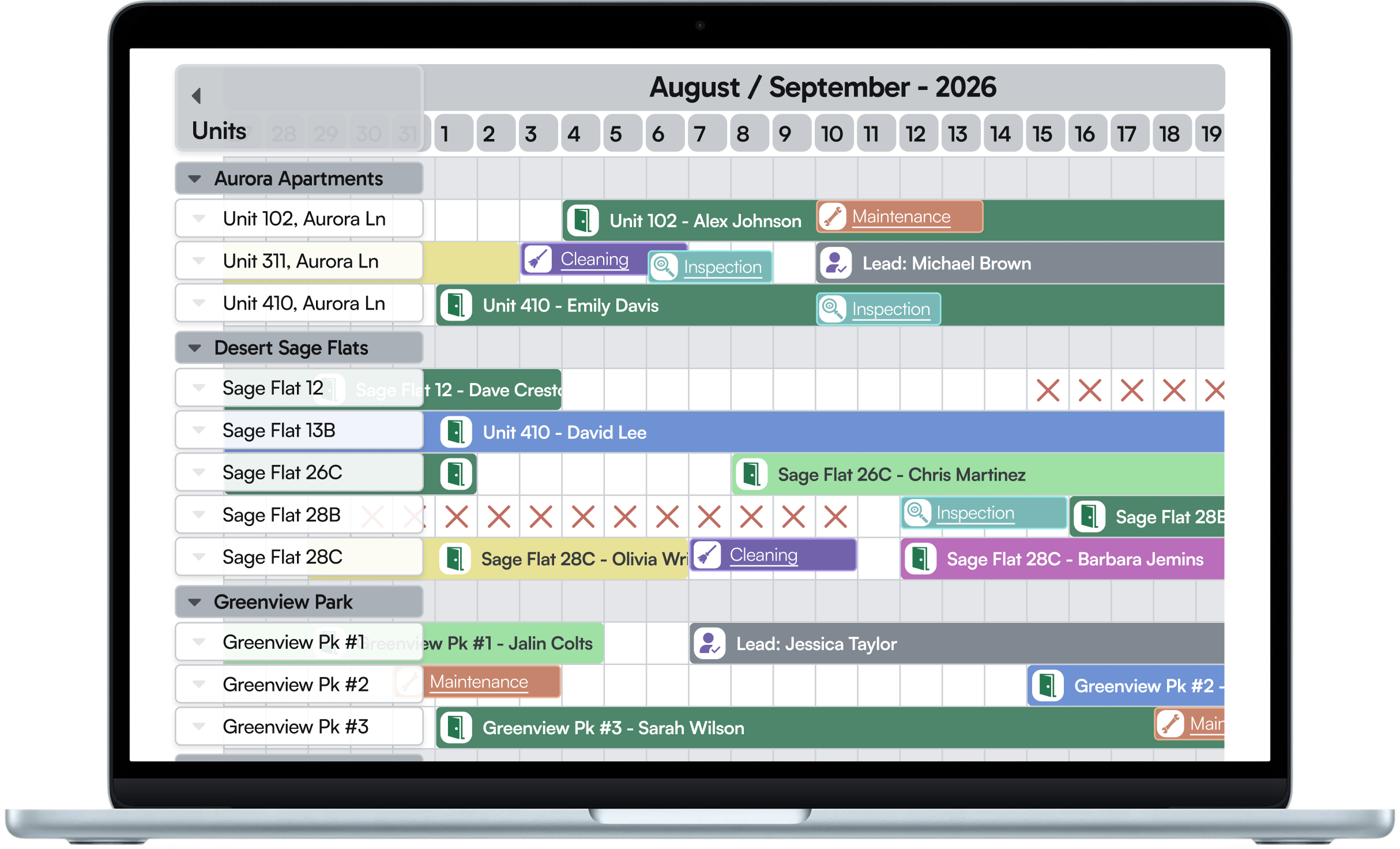
Get a bigger picture of your availability. The new Advanced Calendar View lets you see more dates at once on wider screens, so you can plan further ahead without constant scrolling. In Calendar View, choose “Advanced” to easily work with big-picture content.

Send Checks Without Leaving DoorSpot

November 16, 2025

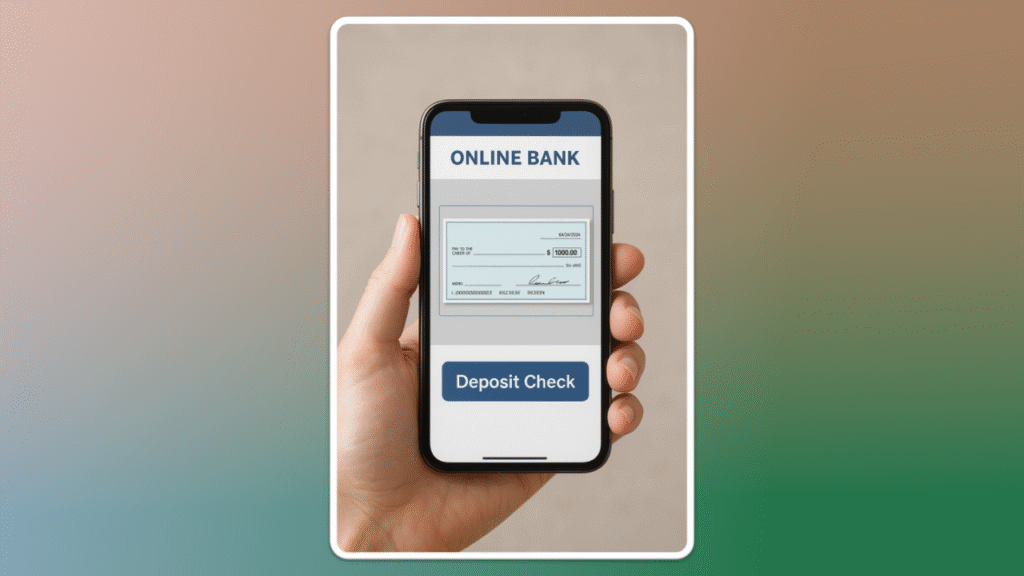
Pay vendors, refund guests, or send owner payouts all without leaving the platform. DoorSpot connects with LOB to verify your request and send a physical check via priority mail. From Settings, connect your Bank Account > More options > Enable Checks

Reinforce Transparency with Inspection Videos

November 13, 2025
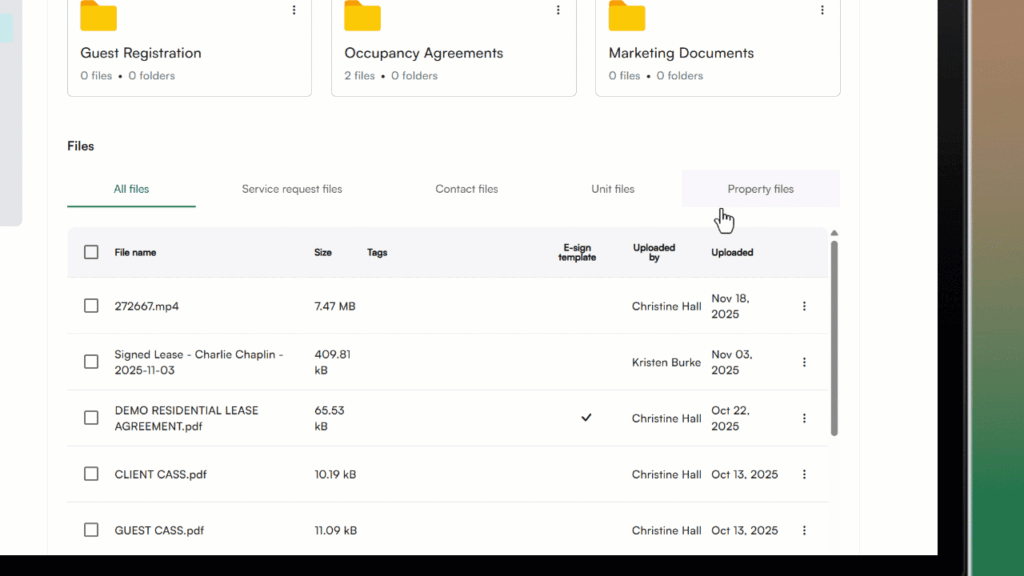
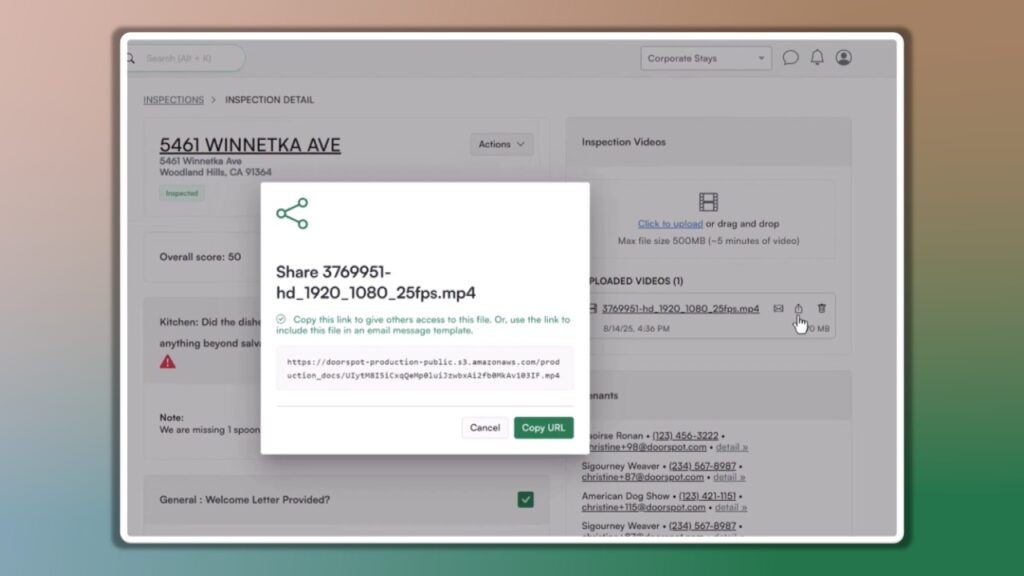
You can now upload and share videos for inspections directly in DoorSpot. This makes it easy to view inspections remotely, share videos with clients for transparency, and keep a visual record for documentation and dispute resolution.

Custom Email Template Enhancements

November 9, 2025

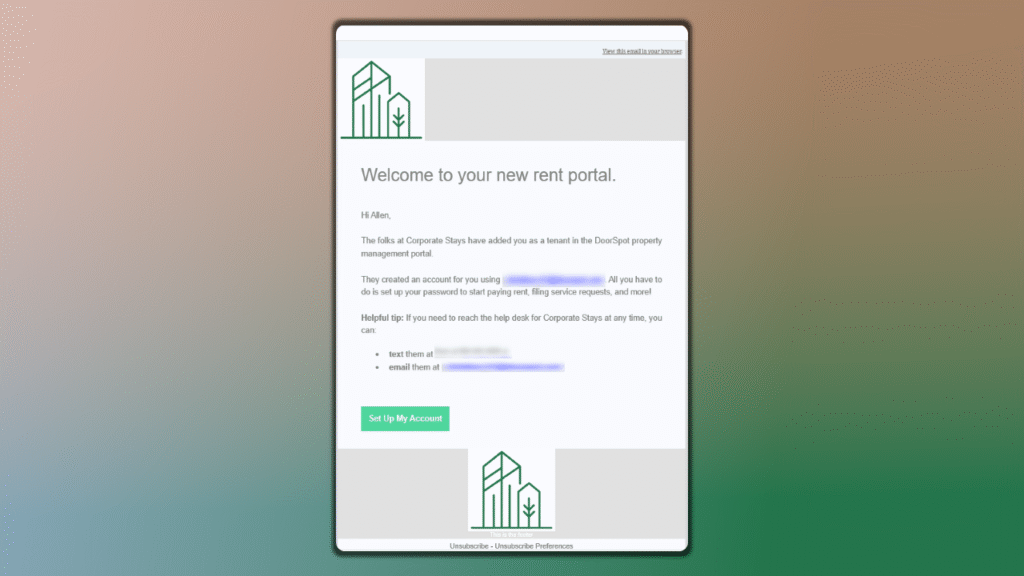
Your emails now match your brand. DoorSpot automatically pulls your logo, reply-to contact information, and footer details into your custom email templates — polishing communication between you and your clients. Go to Settings > Communications > Edit your Reply-to email details.

Major Calendar Functionality Implementation​

November 6, 2025
The calendar now supports creating and viewing restrictions. You can see restriction details directly from the calendar view. This means less clicking and more clarity when planning availability.

Amplified Image Sharing in Conversations​

November 2, 2025

Conversations just got more visual. You can now upload or choose existing images, embed custom content, and add hyperlinks to shared documents directly from the conversation text area.

Dive Into DoorSpot Today