What's New?
We’re in this for the long haul. We’re busy growing alongside our customers, and refining our tools. Check here for in-depth updates to our software, and our future plans.
DoorSpot's Newest Features
Building for Scale: Smarter, Faster Message Loading
December 16, 2025
As your communication history grows, DoorSpot continues to optimize for speed, reliability, and scale. This update delivers major performance improvements to how messages load, ensuring your conversations stay fast and responsive no matter how many threads you manage.
More Accurate Financial Reports Are Here
December 16, 2025
We’ve rebuilt the foundation of DoorSpot’s financial reporting system to give you clearer, more reliable, and more actionable insights into your property finances. These improvements make financial management faster, more accurate, and better aligned with the growing needs of your portfolio.
Generate Multiple Reservation Invoices at Once with Batch Invoicing
December 15, 2025
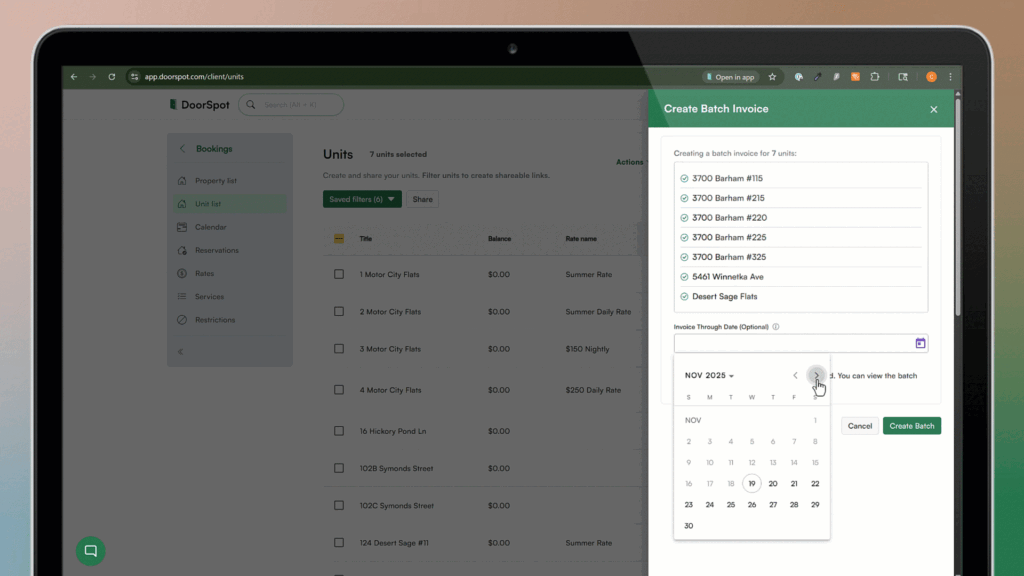
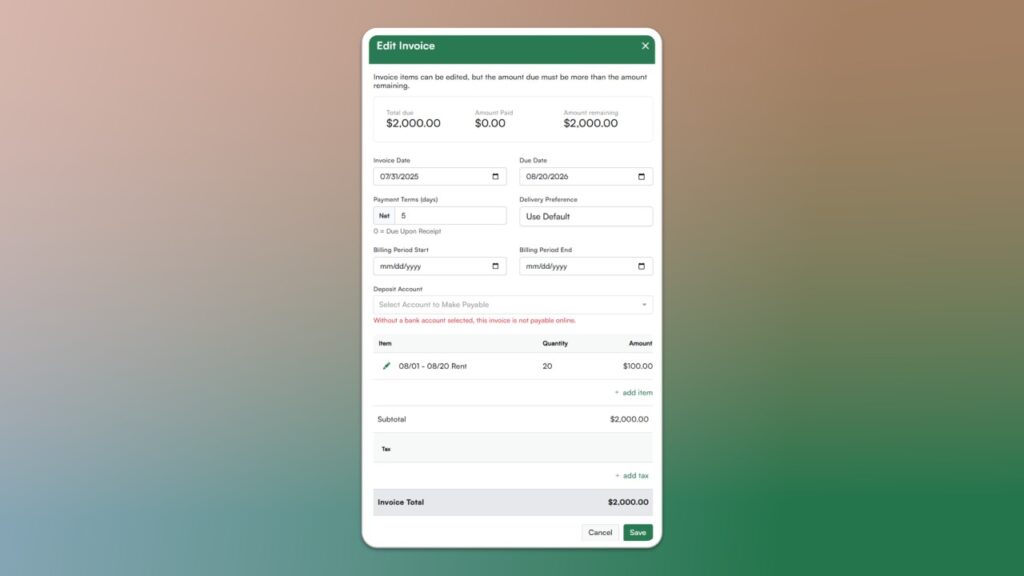
Billing just got a whole lot faster. With Batch Invoicing, you can select multiple active reservations, generate invoices in bulk, review them all, and approve them simultaneously. Perfect for end-of-month billing or when you need to invoice dozens of corporate housing clients in seconds.
Organize Complex Portfolios with Hierarchical Units
December 15, 2025
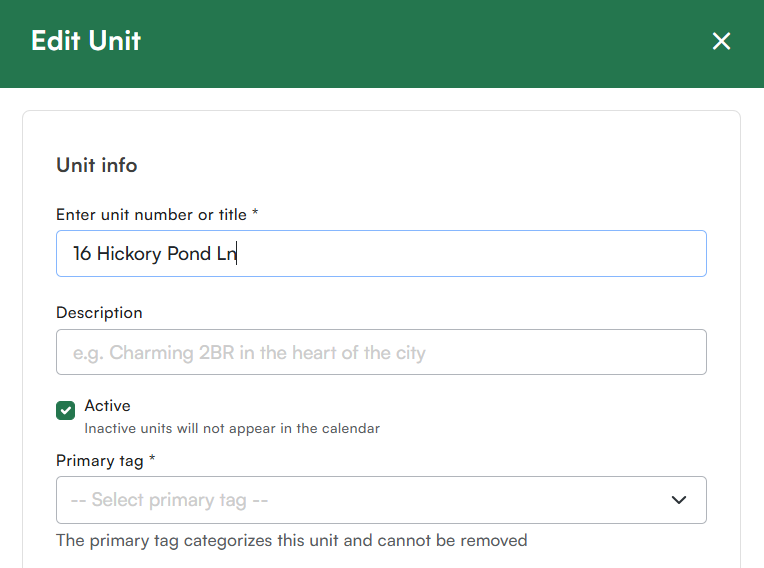
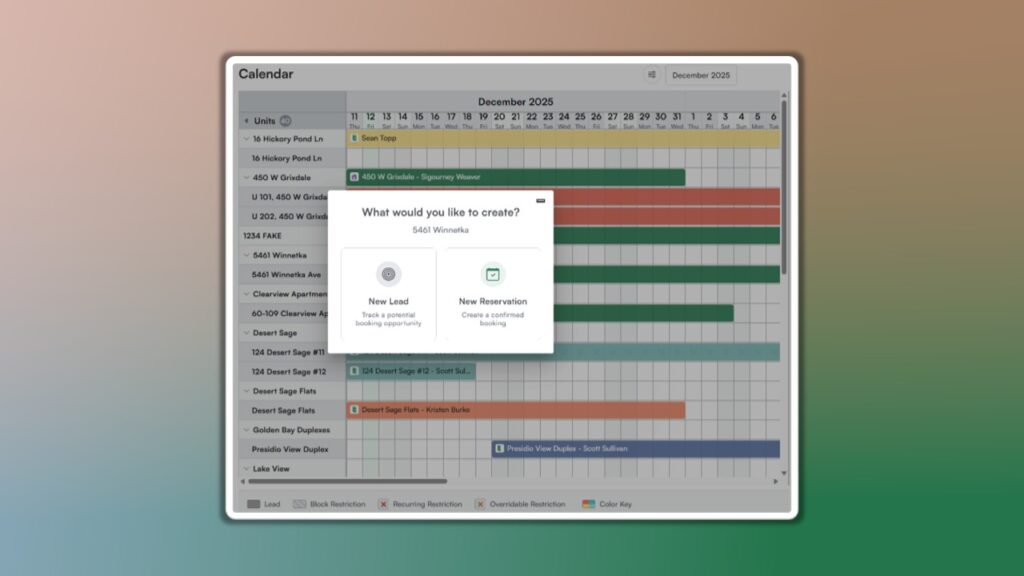
Property structures come in all shapes and sizes, from single-family homes with shared spaces to multi-unit buildings and roommate-style layouts. DoorSpot’s new Hierarchical Units feature lets you organize units in a flexible structure that matches exactly how your properties operate in real life.
Assign Fees to Specific Guests in Reservations
December 11, 2025
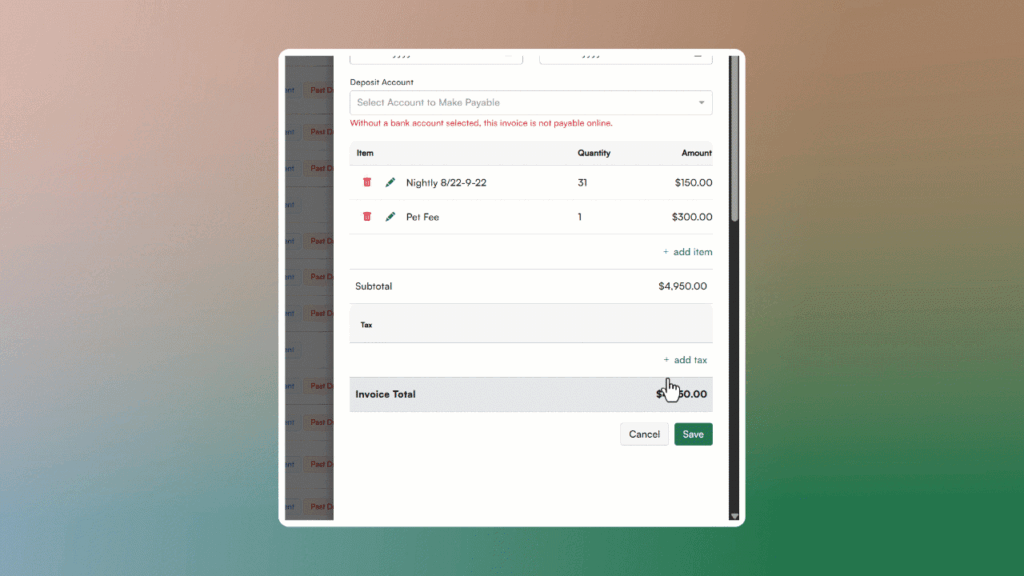
Billing is smarter! Now you can split rates and fees between clients and guests. Assign service fees like parking, utilities, or rates to specific contacts within the reservation. Bill parking to the employee while utilities go directly to the company, all without manual invoice splitting.
Invite New Owners to the Portal
December 7, 2025
You now have complete control over when owners gain access to their portal. Use the new Auto-Invite toggle to decide whether owners are invited automatically or only when you’re ready.
Turn Auto-Invite ON → Owners receive portal access immediately after being added.
Turn Auto-Invite OFF → Set everything up first, then send the invite manually when the time is right.
This gives you more flexibility and ensures owners see exactly what you want them to see when you’re ready for them to log in.