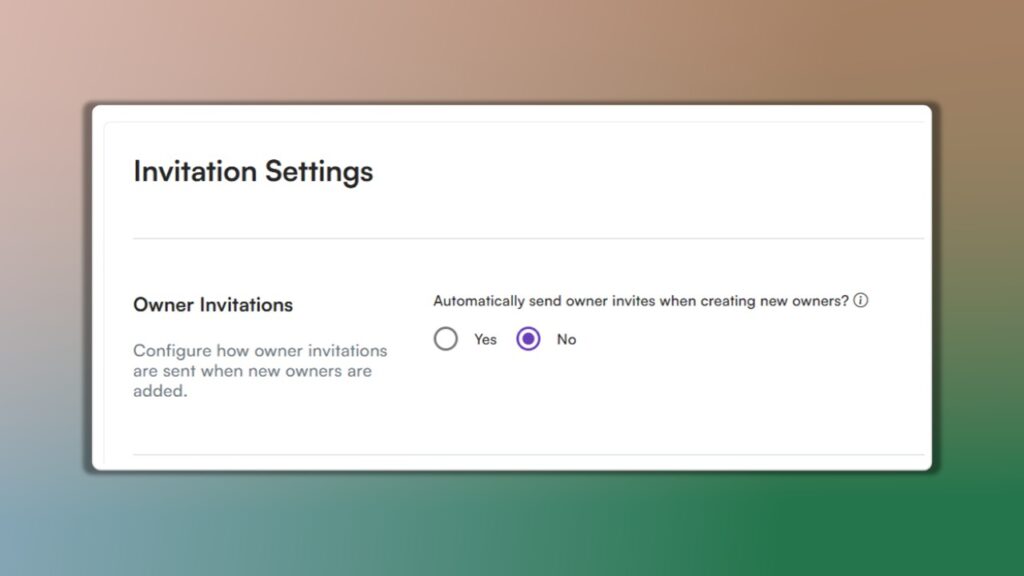
You now have complete control over when owners gain access to their portal. Use the new Auto-Invite toggle to decide whether owners are invited automatically or only when you’re ready.
Turn Auto-Invite ON → Owners receive portal access immediately after being added.
Turn Auto-Invite OFF → Set everything up first, then send the invite manually when the time is right.
This gives you more flexibility and ensures owners see exactly what you want them to see when you’re ready for them to log in.