DoorSpot

Manage Calendar Colors

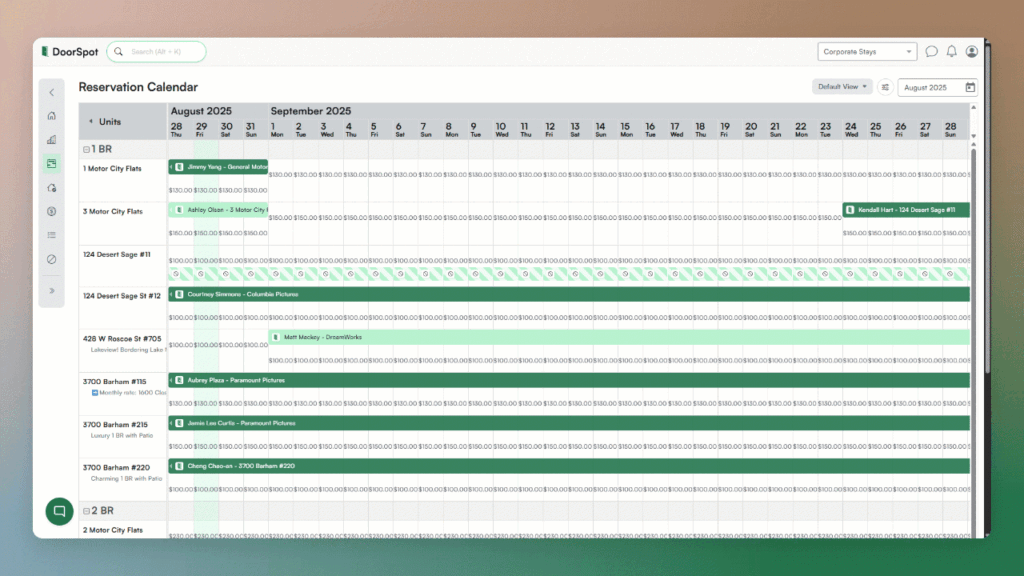
Your DoorSpot calendar just got a whole lot more you. DoorSpot's dynamic calendar, and other system elements now give you full control over colors for both reservations and units, each managed as their own separate list. That means you can customize the way reservations look independently from how your units are displayed — giving you the flexibility to build a system that actually matches the way your team thinks and operates.
Strategy

November 23, 2025

Collapsing Menu

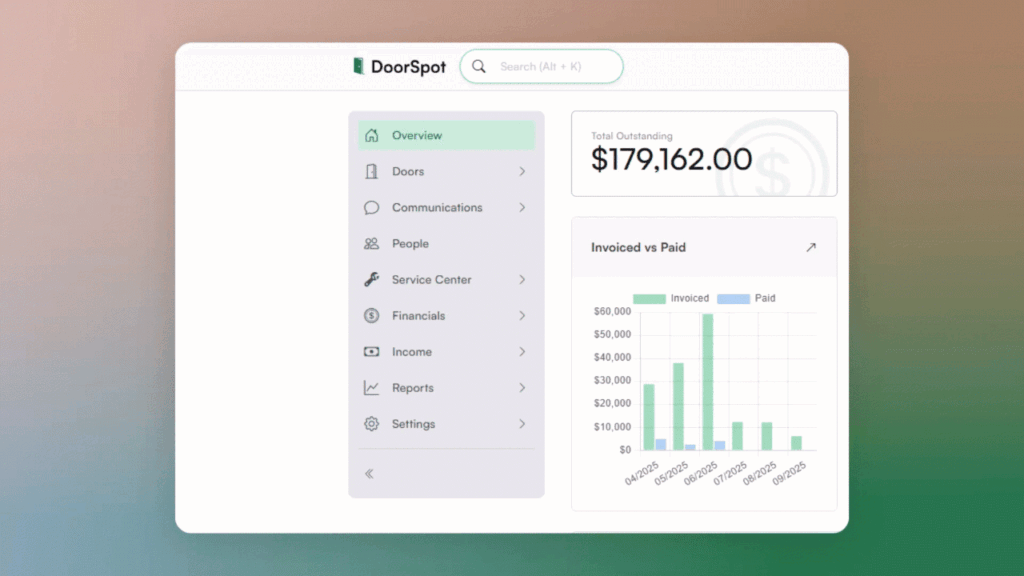
Keep your workspace clear with the new collapsing menu. You can now expand or collapse the side navigation, giving you more room to work. Click the arrows at the bottom of the gray navigation bar to enter full-screen mode. The site keeps your preference for next time.

Written by catherine@doorspot.com

Strategy

November 20, 2025

Advanced Calendar View​

Get a bigger picture of your availability. The new Advanced Calendar View lets you see more dates at once on wider screens, so you can plan further ahead without constant scrolling. In Calendar View, choose "Advanced" to easily work with big-picture content.

Written by catherine@doorspot.com

Strategy

November 16, 2025

Send Checks Without Leaving DoorSpot

Pay vendors, refund guests, or send owner payouts all without leaving the platform. DoorSpot connects with LOB to verify your request and send a physical check via priority mail. From Settings, connect your Bank Account > More options > Enable Checks

Written by catherine@doorspot.com

Strategy

November 13, 2025

Reinforce Transparency with Inspection Videos

You can now upload and share videos for inspections directly in DoorSpot. This makes it easy to view inspections remotely, share videos with clients for transparency, and keep a visual record for documentation and dispute resolution.

Written by catherine@doorspot.com

Strategy

November 9, 2025

Custom Email Template Enhancements

Your emails now match your brand. DoorSpot automatically pulls your logo, reply-to contact information, and footer details into your custom email templates — polishing communication between you and your clients. Go to Settings > Communications > Edit your Reply-to email details.

Written by catherine@doorspot.com

Strategy

November 6, 2025

Major Calendar Functionality Implementation​

The calendar now supports creating and viewing restrictions. You can see restriction details directly from the calendar view. This means less clicking and more clarity when planning availability.

Written by catherine@doorspot.com